I bought a drone just 2 weeks ago, but I already had a test drive
in the country. I am 100% satisfied with the quality of video shooting and photographs.
There were no problems with stabilization, the drone itself determines the optimal angles and distances for shooting. The control panel is convenient. After starting, I immediately figured out what's what.
Thank you for the quality product, I will advise my friends.
Benefits:
Photos and videos are super!
Disadvantages:
Didn't find
John
State of Philadelphia
I bought a drone just 2 weeks ago, but I already had a test drive
in the country. I am 100% satisfied with the quality of video shooting and photographs.
There were no problems with stabilization, the drone itself determines the optimal angles and distances for shooting. The control panel is convenient. After starting, I immediately figured out what's what.
Thank you for the quality product, I will advise my friends.
Benefits:
Photos and videos are super!
Disadvantages:
Didn't find
John
State of Philadelphia
I bought a drone just 2 weeks ago, but I already had a test drive
in the country. I am 100% satisfied with the quality of video shooting and photographs.
There were no problems with stabilization, the drone itself determines the optimal angles and distances for shooting. The control panel is convenient. After starting, I immediately figured out what's what.
Thank you for the quality product, I will advise my friends.
Benefits:
Photos and videos are super!
Disadvantages:
Didn't find
John
State of Philadelphia
I bought a drone just 2 weeks ago, but I already had a test drive
in the country. I am 100% satisfied with the quality of video shooting and photographs.
There were no problems with stabilization, the drone itself determines the optimal angles and distances for shooting. The control panel is convenient. After starting, I immediately figured out what's what.
Thank you for the quality product, I will advise my friends.
Benefits:
Photos and videos are super!
Disadvantages:
Didn't find
John
State of Philadelphia
I bought a drone just 2 weeks ago, but I already had a test drive
in the country. I am 100% satisfied with the quality of video shooting and photographs.
There were no problems with stabilization, the drone itself determines the optimal angles and distances for shooting. The control panel is convenient. After starting, I immediately figured out what's what.
Thank you for the quality product, I will advise my friends.
Benefits:
Photos and videos are super!
Disadvantages:
Didn't find
John
State of Philadelphia
I bought a drone just 2 weeks ago, but I already had a test drive
in the country. I am 100% satisfied with the quality of video shooting and photographs.
There were no problems with stabilization, the drone itself determines the optimal angles and distances for shooting. The control panel is convenient. After starting, I immediately figured out what's what.
Thank you for the quality product, I will advise my friends.
Benefits:
Photos and videos are super!
Disadvantages:
Didn't find
John
State of Philadelphia
I bought a drone just 2 weeks ago, but I already had a test drive
in the country. I am 100% satisfied with the quality of video shooting and photographs.
There were no problems with stabilization, the drone itself determines the optimal angles and distances for shooting. The control panel is convenient. After starting, I immediately figured out what's what.
Thank you for the quality product, I will advise my friends.
Benefits:
Photos and videos are super!
Disadvantages:
Didn't find
John
State of Philadelphia



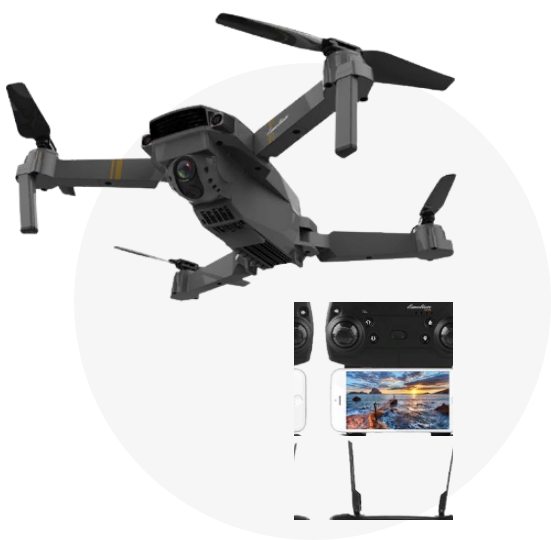
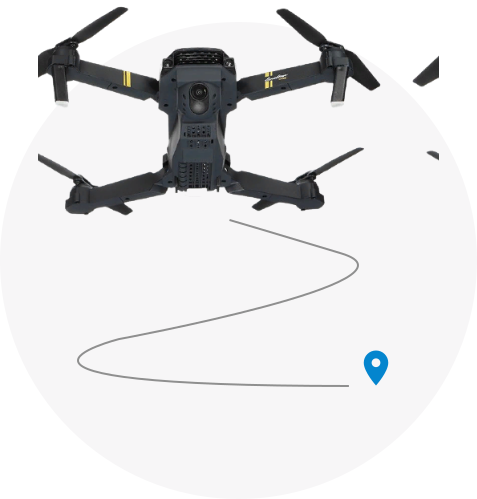
 Selfie with friends
 Working filming of designers, videographers and freelancers
 Sports, tourism, travel
 Private property security
 Amateur aerial photography and video filming
 Terrain exploration
while hiking
Terrain exploration
while hiking